

Property Finance
See rent collected and costs recorded by property.
Review invoices, receipts, arrears, and expenses against the properties and units they belong to.
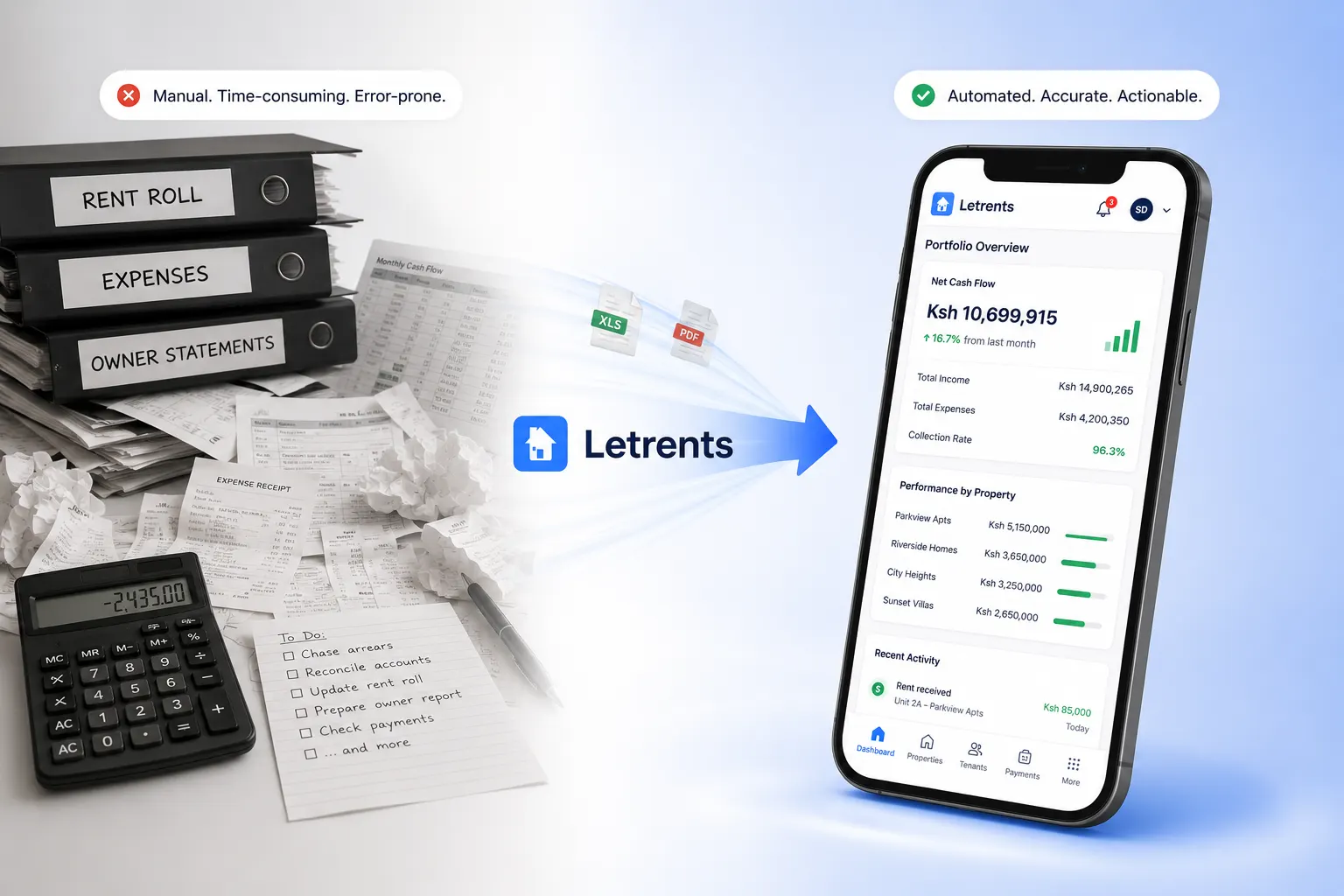
Property Finance
What your team can do
LETRENTS brings invoices, receipts, arrears, and recorded expenses into a property-level view. Each figure stays connected to the unit and source transaction it came from.
Your team can compare billed amounts with completed, pending, or overdue payments, then review expenses against the relevant property, unit, or vendor. When a total needs checking, open its underlying invoice, payment, or expense where your role allows.
The result is a more useful view of property performance and owner reporting. These operational finance records are distinct from a full double-entry general ledger.
A typical workflow
A clear path from start to follow-up
- 1
Record activity
Capture invoices, payments, and expenses as they happen.
- 2
Choose a property
Filter the records to the building or portfolio you need to review.
- 3
Follow the detail
Open the underlying transaction when a number needs checking.
Good to know
Frequently asked questions
Which financial activity can I review by property?
Review invoices, receipts, arrears, and recorded expenses in the context of their property and unit.
Can I trace a total back to its transactions?
Where the source record is available to your role, you can open the related invoice, payment, or expense for more detail.
Is property finance the same as a full general ledger?
Property finance reports summarize operational records. A complete double-entry general ledger is a separate accounting scope.