

Tenant Management
Keep tenant details and tenancy records together.
See who lives in each unit, the terms they agreed to, and the documents and updates recorded during the tenancy.
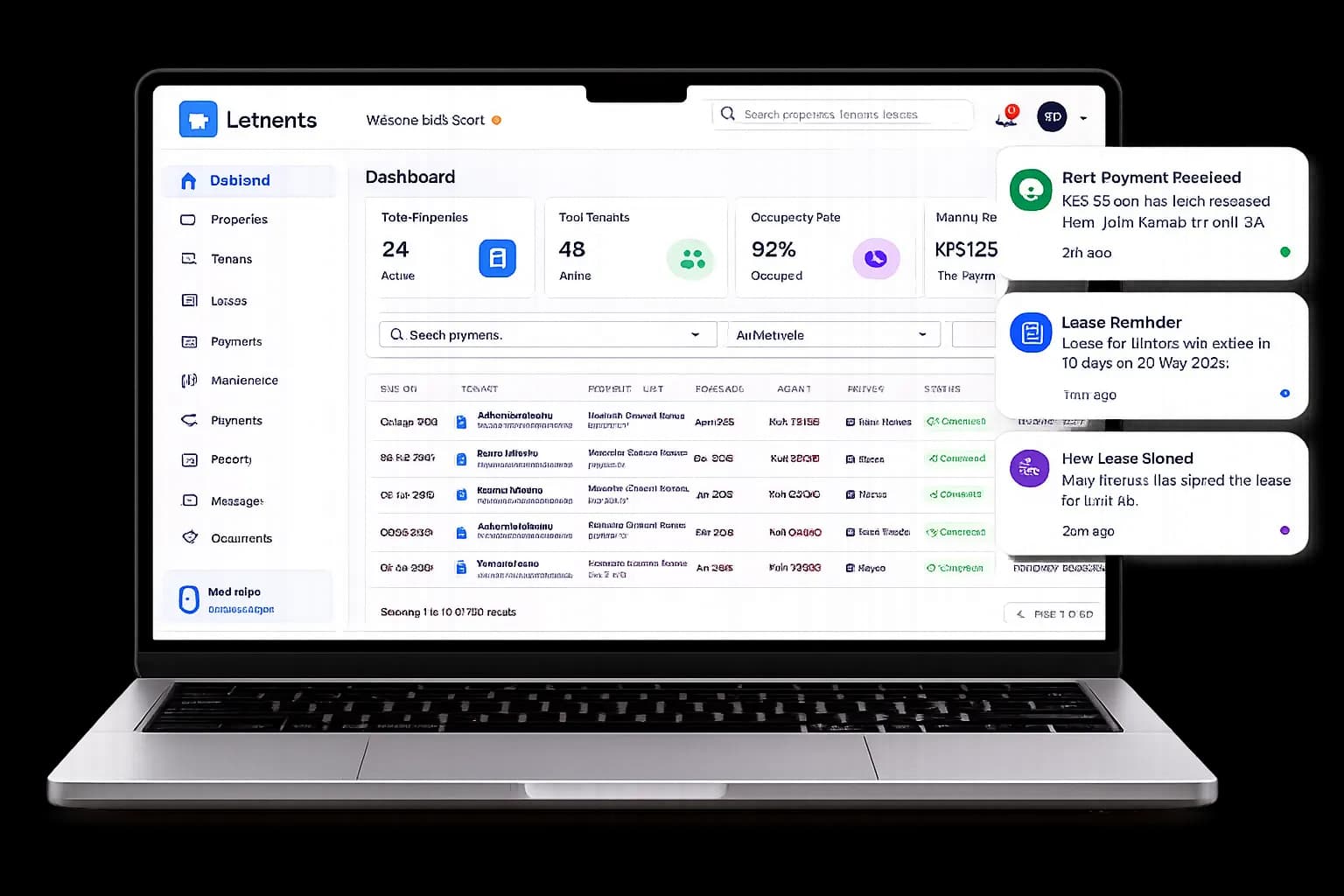
Tenant Management
What your team can do
LETRENTS keeps a tenant’s contact details connected to their assigned property and unit. Your team can add an existing tenant first, complete the lease and supporting records, and invite them to the portal when the details are ready.
As the tenancy changes, staff can refer to the same record for lease terms, documents, notices, payments, and related requests. Access to each record follows the user’s role and property scope.
That shared history helps the team follow a tenancy from move-in through renewals or move-out without losing important context between separate files and workflows.
A typical workflow
A clear path from start to follow-up
- 1
Add the tenant and unit
Record the tenant details and assign the correct property and unit.
- 2
Save the tenancy terms
Add the lease details and supporting documents to the same record.
- 3
Keep the record current
Update it as payments, notices, renewals, and maintenance requests come in.
Good to know
Frequently asked questions
Can I add an existing tenant before inviting them?
Yes. You can record the tenant and unit assignment first, then send an invitation when the details are ready.
Can one tenant record include lease and unit details?
The tenant profile can be connected to their unit, lease terms, documents, and relevant account activity.
Can tenants access their records online?
Tenants can use the portal after their access is set up and they accept or complete the required account verification.