

Reports & Analytics
See what is happening across your properties.
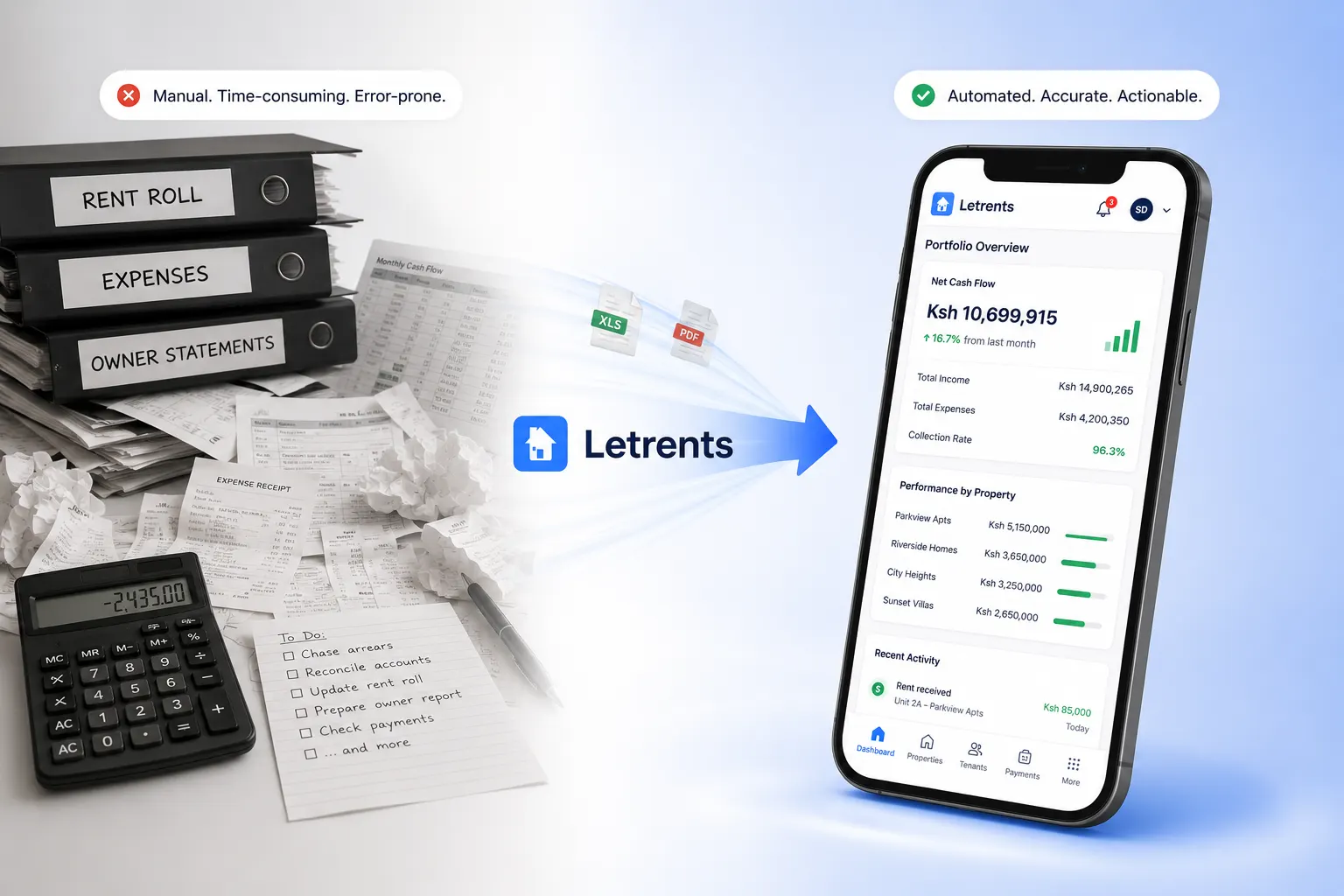
Bring operational and financial reports into one place. Choose a property and period, understand what each figure includes, and keep the supporting records close.
Reports & Analytics
What your team can do
LETRENTS reports bring property operations and financial activity into a shared view. Choose the portfolio or property and reporting period, then review statements, tenant ledger activity, collections, arrears, expenses, and other available measures.
Each report should make its date range and calculation context clear. Where your role allows, you can open the supporting records or export the filtered view for further review.
LETRENTS Copilot can help explore authorised report data where enabled, with answers grounded in the selected report context.
A typical workflow
A clear path from start to follow-up
- 1
Choose the report and scope
Select a report, property, date range, and any relevant status filters.
- 2
Review the figures
Check totals alongside the records and definitions used to calculate them.
- 3
Share or follow up
Export the report or use its findings to guide the next operational step.
Good to know
Frequently asked questions
Can I filter reports by property and date?
Reports should let authorised users choose a property scope and reporting period, with totals recalculated for those filters.
Can I export a tenant or landlord statement?
Available exports depend on the report and your access. Review the selected period and property scope before sharing a statement.
What does LETRENTS Copilot use to answer report questions?
Where enabled, Copilot should answer from data the user is authorised to see and identify the report context used.