

Communication hub
Keep property conversations in reach.
Send useful updates through the channels tenants already use. Keep reminders, notices, and replies connected to day-to-day property work.
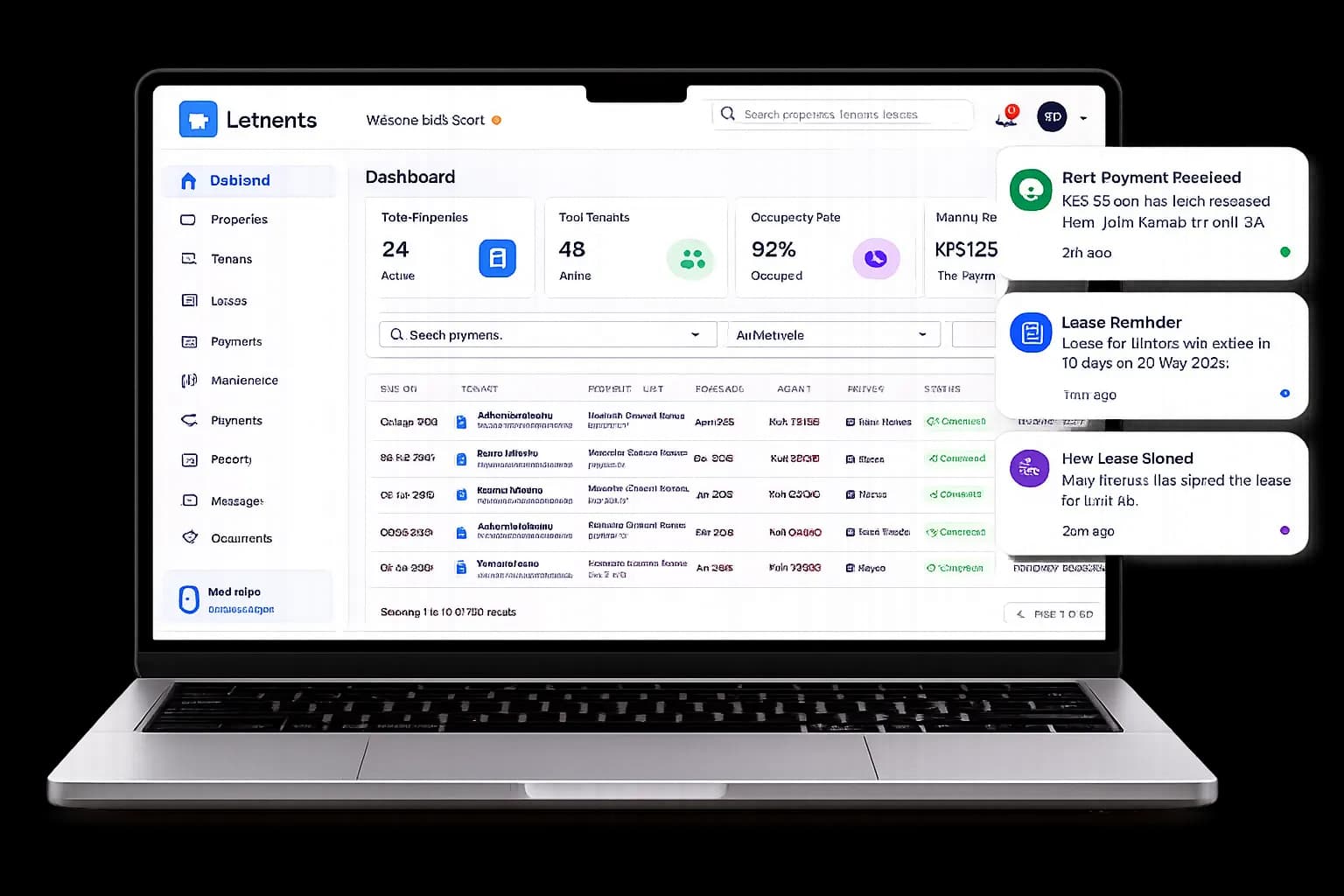
Communication hub
What your team can do
LETRENTS brings tenant and property messages into workflows for email, SMS, WhatsApp, and in-app communication, depending on the channels configured for your organisation and the recipient’s preferences.
Teams can select recipients, compose or adapt a message, and review how it reads on the intended channel before sending. Relevant reminders and notices stay connected to the work they relate to.
Communication history helps staff understand what was sent and what delivery information the provider returned, so a send request is not mistaken for confirmed delivery.
A typical workflow
A clear path from start to follow-up
- 1
Choose the audience
Select a tenant, property group, or the people who need an update.
- 2
Write and review
Compose a message and check how it reads for the selected channel.
- 3
Send and keep context
Deliver the update and retain communication history for your team.
Good to know
Frequently asked questions
Which channels can the team use?
Available channels include email, SMS, WhatsApp, and in-app messaging, subject to configuration and recipient preferences.
Can I preview a message before sending?
Yes. Review the message for the intended channel and recipient group before sending.
Can I see whether a message was delivered?
Communication history shows delivery information returned by the channel provider; a send request alone does not guarantee delivery.